.png)
Activating your License Key
After purchasing Cimo Premium or the All Access Pass, you will be given a license key. This license key is used to activate the premium features of Cimo, such as video optimization, audio optimization and premium plugin updates.
Once you have your license key at hand, activate the Cimo Premium plugin in your WordPress website.
After activating Cimo Premium, you should be able to see an admin notice about activating your license key, click on the Activate License Key button.

A popup modal should appear. Enter your license key then click on the Activate License button.
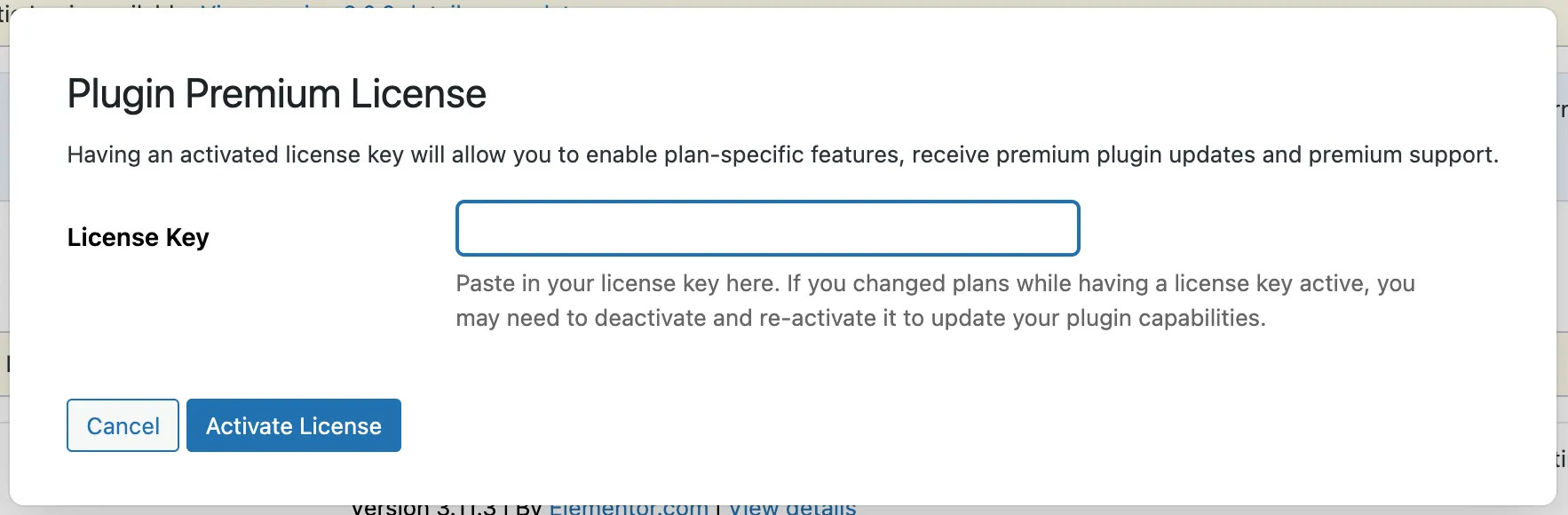
Alternatively, head over to your plugins admin page then scroll down to the entry for Cimo. Click on the link below the plugin name that says Activate License Key, then enter your license key and follow the prompt that appears.

You will know that you have your license key correctly activated if you see the link change to Manage License Key.
