.png)
How to know if my file was optimized?
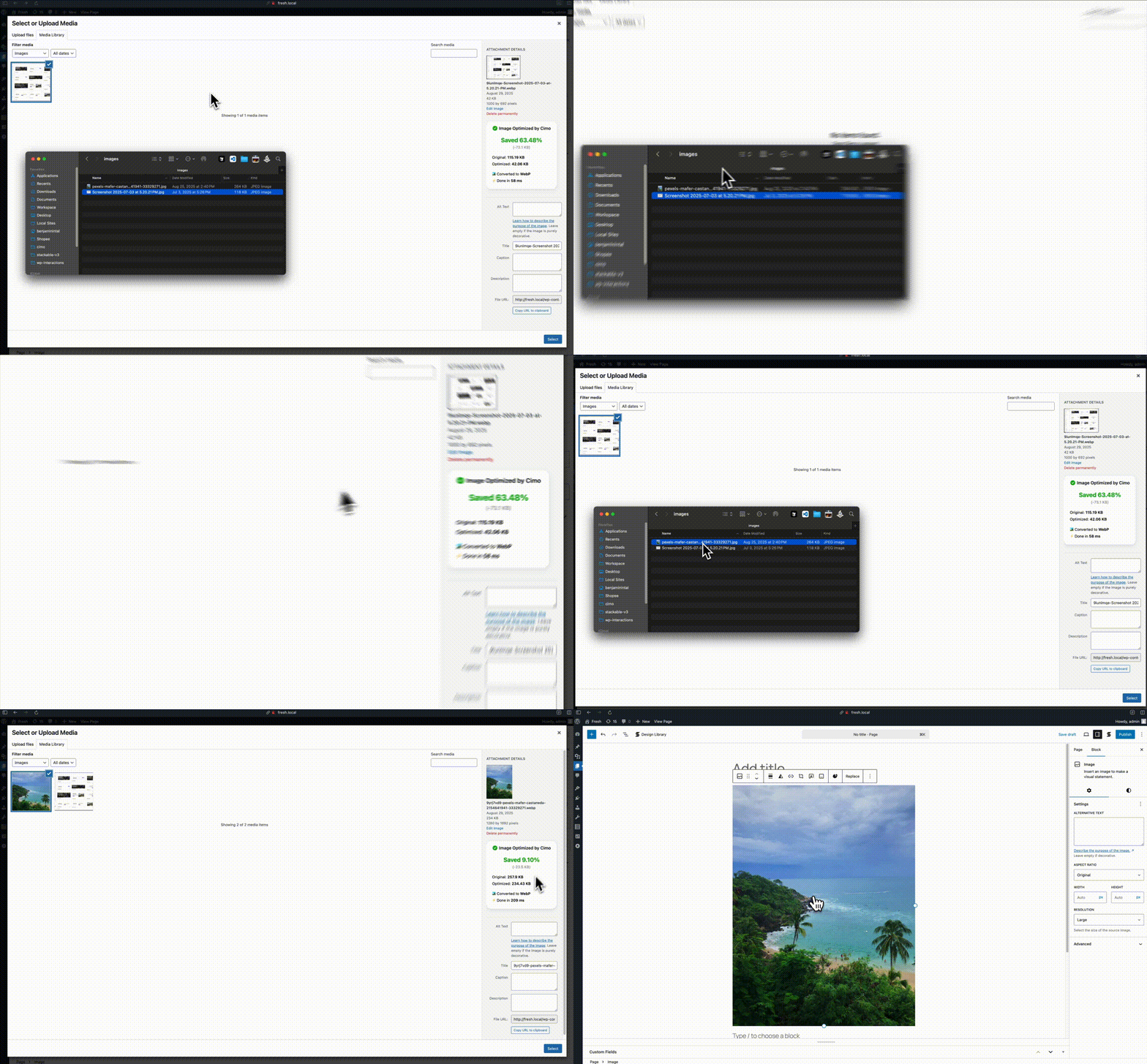
You can confirm whether a file has been successfully optimized by opening it in the WordPress Media Library. In the information panel on the right, look for the notice “Image/Video/Audio Optimized by Cimo.” If this message appears, the file has been optimized.