.png)
Low-Quality Image Placeholder


The Low Quality Image Placeholder (LQIP) settings define how loading visuals are displayed before the full image appears.
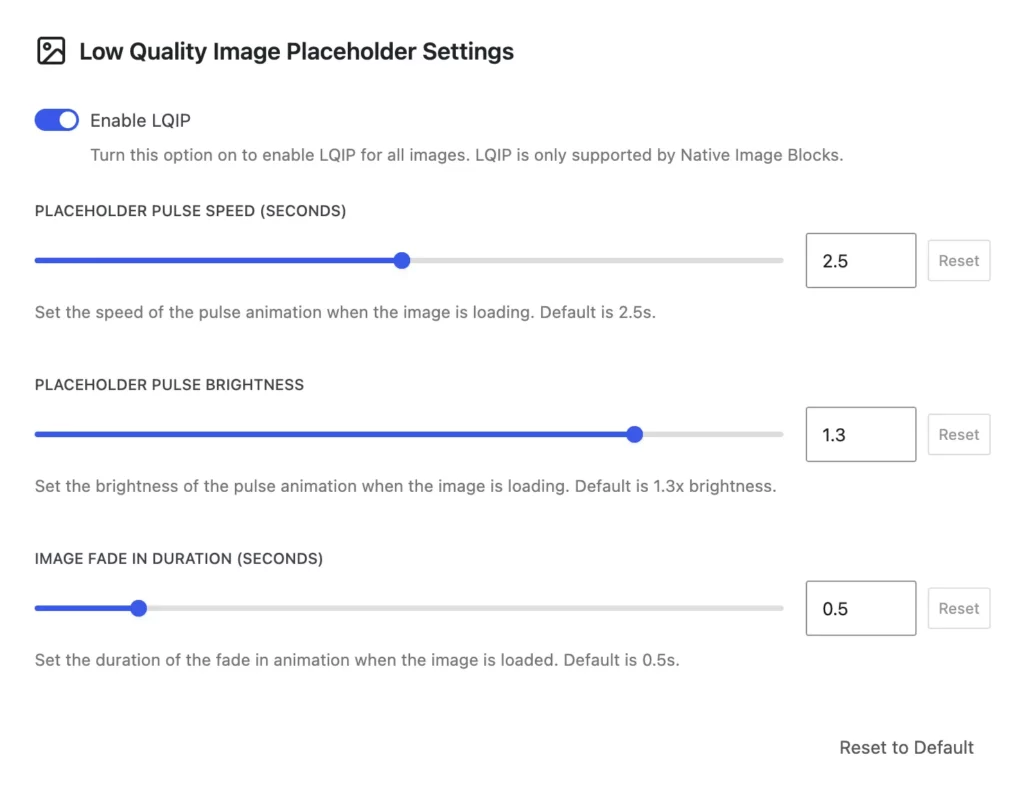
When Enable LQIP is switched on, supported images will display a low-resolution placeholder before the final image loads. This feature works only with Native Image Blocks and is disabled by default.
The Placeholder Pulse Speed option lets you set how quickly the pulse animation of the placeholder plays. The default timing is 2.5 seconds.
With Placeholder Pulse Brightness, you can adjust how bright the pulse effect appears during loading. The standard value is 1.3× brightness.
The Image Fade In Duration setting controls how long the transition takes when the full image replaces the placeholder. By default, this fade-in lasts 0.5 seconds.
If you want to revert changes, you can use the Reset to Default button to restore all LQIP settings back to their original values.