.png)
Stealth Mode
Stealth mode is a premium feature
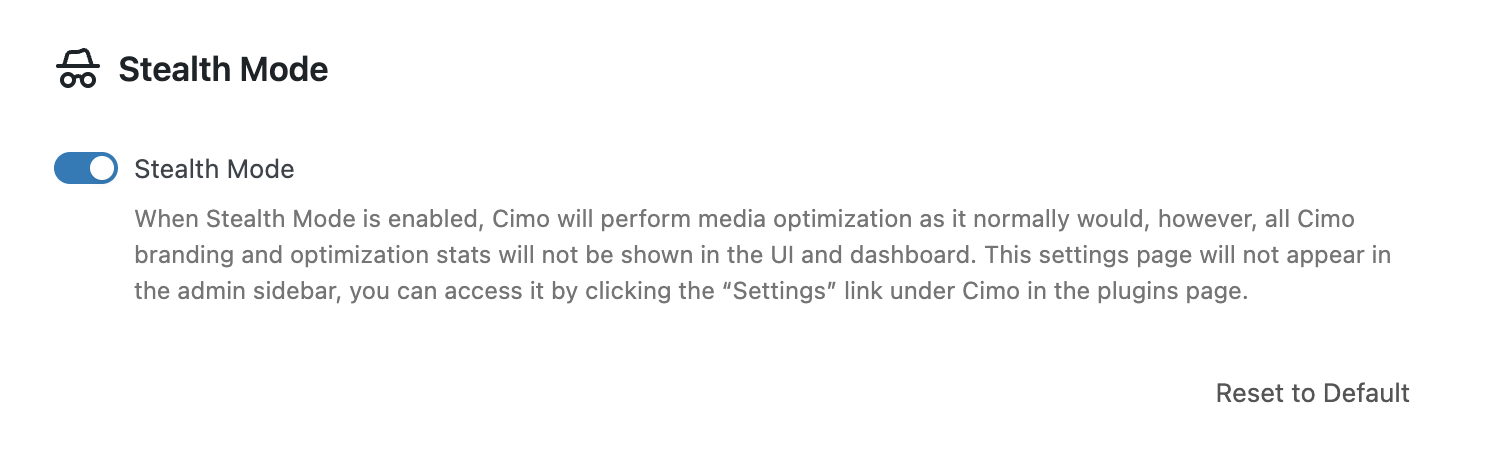
Hide all Cimo branding and optimization stats. Cimo will not be visible, however, all optimization functions continue normally.
Why should you use Stealth Mode?
- White-label for clients.
- Cleaner admin UX.
- No performance change.
How to enable Stealth Mode?
- Make sure that Cimo Premium is installed
- Go to your WordPress dashboard, and navigate to Settings → Cimo
- Scroll down the settings page and find the section for Stealth Mode.
- Click on the toggle to enable Stealth Mode
- Click the Save Changes button


What will be hidden because of Stealth Mode?
The following items will be hidden if Stealth Mode is enabled:
- Optimization statistics boxes in the Media Manager and Media Library
- In the admin menu, the Settings → Cimo settings page will not be visible
- You can still access the Cimo settings page by heading to the Plugins page Plugins → Installed Plugins, navigate to the entry for Cimo, and click on Settings