.png)
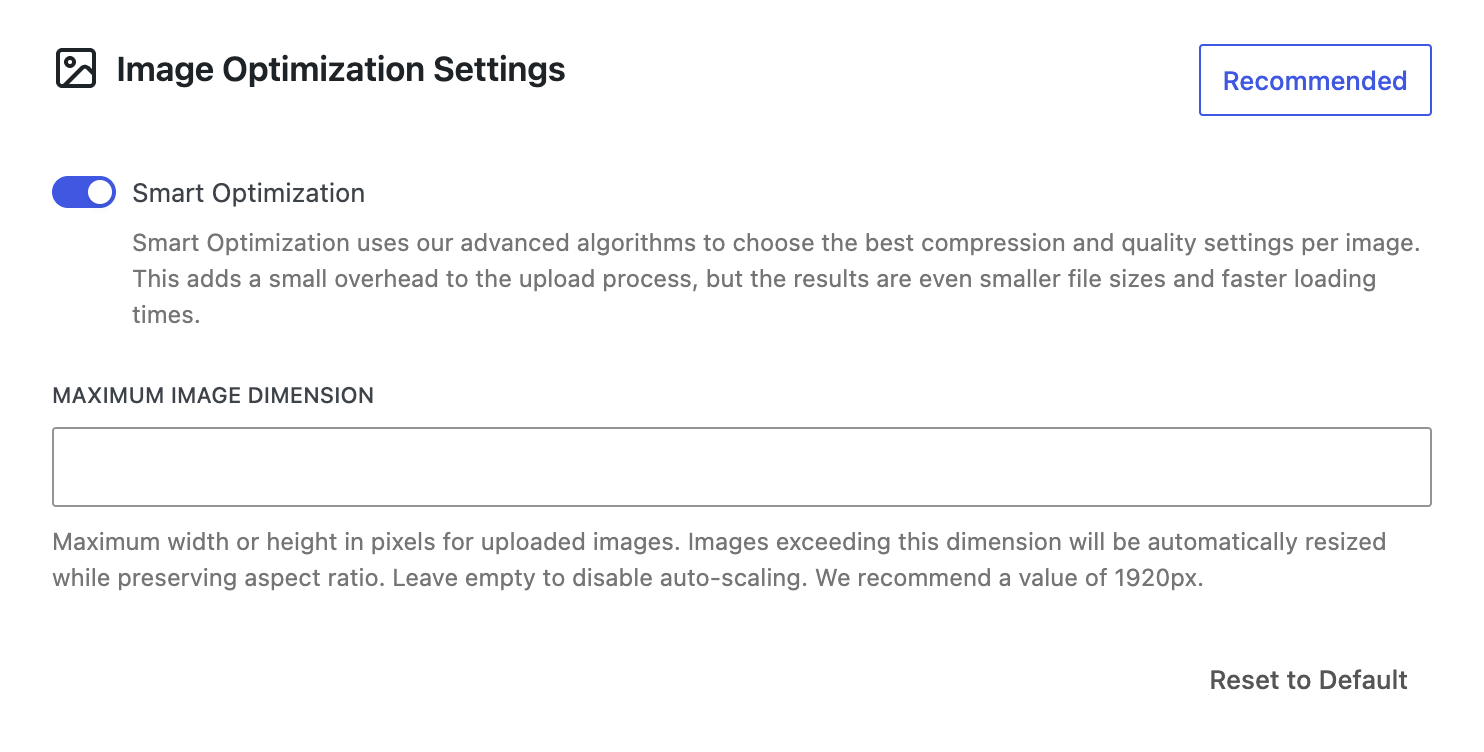
Smart Optimization
Smart Optimization is a Premium Feature.
Unlike a fixed quality setting (for example, always compressing at 80%), Smart Optimization runs multiple passes, starting at the highest quality and stepping down until it finds the best balance between file size and visual quality.
Smart Optimization is enabled by default once the plugin is updated and will automatically apply to all new uploads.
How to enable Cimo's Smart Optimization?
- Make sure that Cimo Premium is installed
- Go to your WordPress dashboard, and navigate to Settings → Cimo
- The Smart Optimization toggle in the Image Optimization Settings area is located in the middle of the settings page.
- The toggle is turned on by default. You can disable it here if needed.